
Now that you have a cloud workstation solution, how do you decide where to use it to best help your business? Here are some of the most common use cases so you can get the most out of this powerful new tool.
Private computer in a public space

In many cases, a building or home has a computer that multiple users access. Most of the time, this computer isn't in a location that affords the luxury of physical access controls.
For shift workers, for example, VDI can make a big difference. The main workstation connection point is shared, but different roles — shift managers and shift employees — may have a completely different set of application and permission needs. A VDI makes this seamlessly possible.
In a home setting, parents often have a single computer or laptop but want settings and files kept completely separate. VDI allows parents to securely access anything they want, while other users have completely dedicated spaces that don't interfere with each other.
Jumpbox, Bastion, Island Box
When a developer, IT engineer, or DevOps engineer needs to get into a cloud environment, a VDI can be used to isolate that machine like a remote island — with certain access credentials stored only on that secure cloud workstation.
This reduces the number of access keys in an organization, decreasing its attack surface. When onboarding this type of sensitive user, VDI reduces IT's security liability to protected environments, making secure access more scalable, reliable, and secure.

“Onboard your developers, shift workers, and students in seconds.”
— RainDrop Development
Testing potential hires

When hiring new employees, it's common to give candidates a standardized exam or project. Cloud-based workstations allow potential employees to complete these from anywhere using a completely personalized profile.
This reduces IT time for creating and wiping environments — they can now create a reusable template. HR wins too, with a smooth and consistent technical flow during the hiring process.
Student and training environments
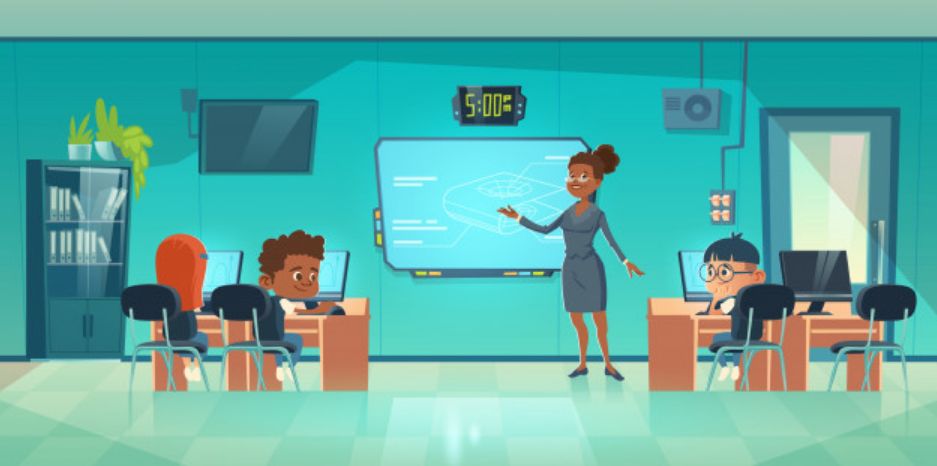
Whether the use case is higher education, a specific curriculum, or software training for new employees or potential clients, cloud workstations are a great flexible solution.
A VDI ecosystem can scale efficiently for as long as you want users to access it, securely and with great accuracy. When students finish their environment, they can be simply removed from the management console — no aging hardware to worry about, no recycling issues for the next class.
Do I need a VDI environment?
Yes. For your employees, VDI provides the best options for flexibility and efficiency. For your business, you want a workstation solution that allows optimum scalability, IT efficiency, and sets up without breaking the bank.
But — for small and medium-sized businesses, setting up virtual desktop infrastructure can be expensive and difficult to manage by internal IT or, in many cases, the business owner. This usually leads to a whole new set of IT costs and headaches instead of streamlining and creating efficiency.
RainDrop can help
RainDrop provides a fully managed, Cloud-based VDI. RainDrop empowers IT departments with powerful management tools and end users with self-help guidance and troubleshooting tools to simplify your organization's technical operations. Your employees and consultants can securely access from desktops, laptops, phones, or tablets anywhere around the globe.
How to get started
- Complete the signup form to create your first RainDrop. It will be ready to use in under 5 minutes.
- Securely sign in using the email invitation received.
- Create whatever workstation structure your business requires and invite users to the RainDrop management engine.
With RainDrop, you get a 7-day free trial to get used to the system before you choose it as your preferred cloud workstation solution. Full access to all the powerful tools, absolutely free for the first week. Ready, Set, Rain!