
That is the question on IT's mind. Let's discuss what Virtual Desktop Infrastructure (VDI) is and how IT teams and business owners can utilize it to take their operations to a new level of scalability and velocity.
What is VDI and how can it help my business?
VDI is a technological concept that helps businesses distribute virtual workstations from a centralized virtual infrastructure — simply put, virtualizing desktop or laptop workstations. This infrastructure can be housed either on-premise within the company's own location or data center, or in the Cloud utilizing an existing, managed, secured infrastructure.
Setting up a VDI environment varies based on which provider you choose, but all of them share three main components: infrastructure management, change management, and user management.
Infrastructure management allows for the creation of individual workstations and groups of them. Change management provides a way to add, remove, or upgrade workstations. User management empowers administrators to control and monitor who gets in, delegate tasks, and if needed, remove or lock a user out in seconds.
By the numbers — Rapidscale
80% of Fortune 500 businesses already include VDI in their IT strategy
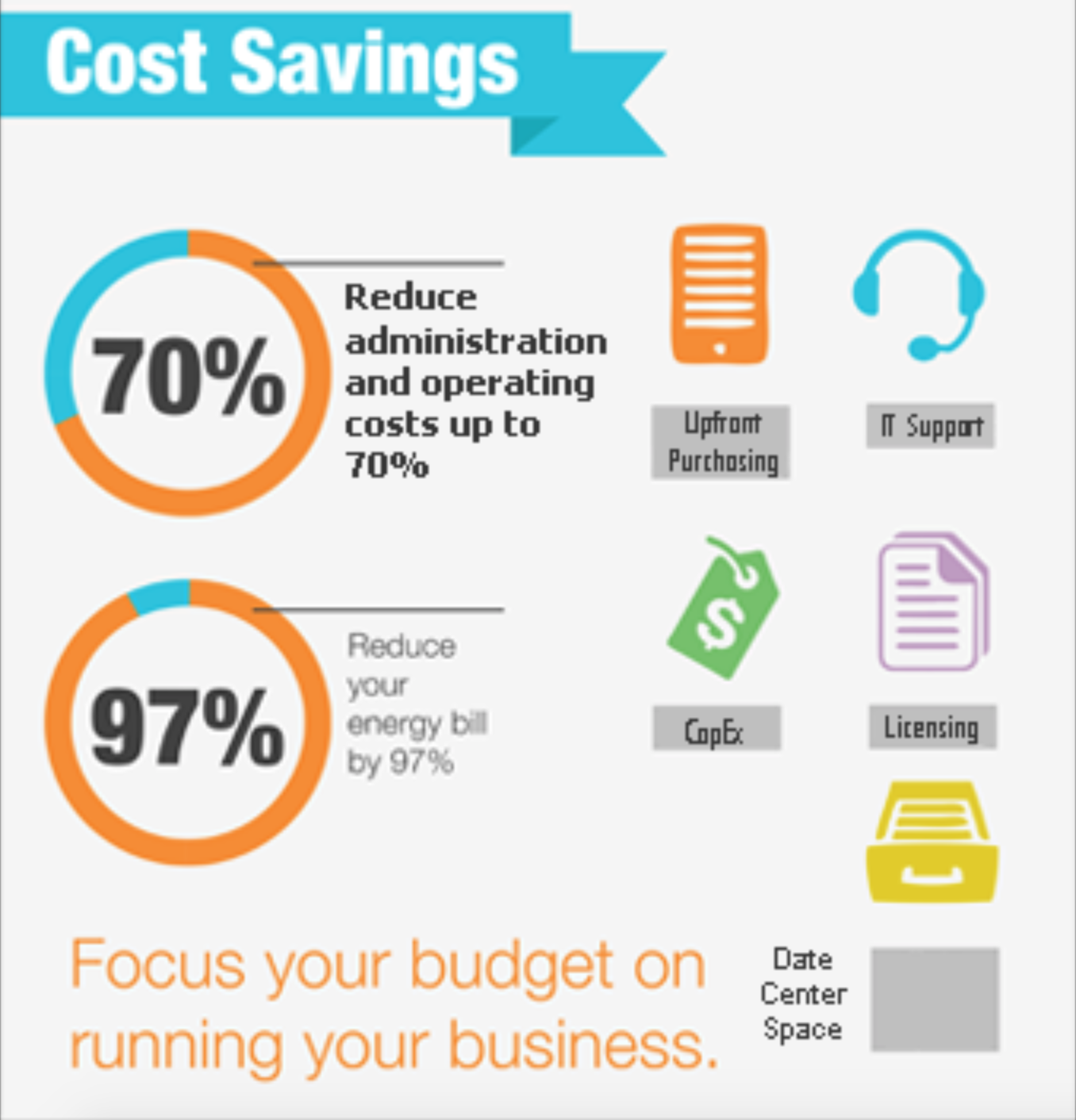
Admin and operating costs were reduced by 70%
Energy bills were reduced by 97%
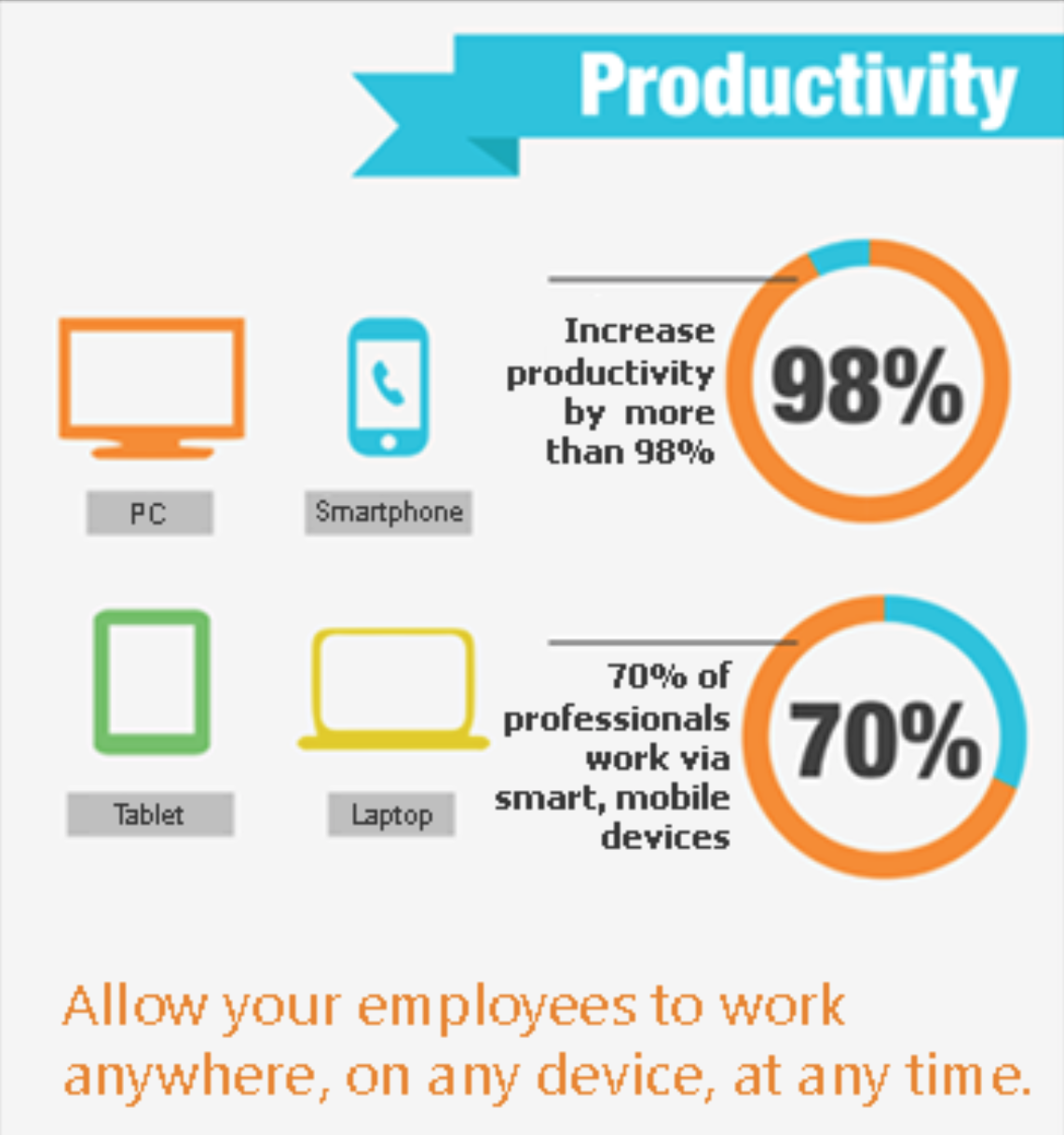
Productivity was increased by approximately 98%
What are the main benefits of VDI?

Remote employees become more connected with the rest of the company. They can use the device of their choice with an internet connection, and work with the virtual desktop anytime — anywhere on the vast cellular network. This allows for optimal flexibility for remote users.
Maintaining virtual desktops is completely different from conventional desktops. Hardware upgrades are physically touchless — they can happen in seconds with order-of-magnitude higher accuracy. Think about how costly and painstaking it is to onboard new employees with conventional hardware: you get them a shiny new machine, onboard them, and when their project is done, try to sell the hardware at half price if you're lucky. With VDI, you're only paying for the time the computer is used, dramatically increasing hardware lifespan and reducing both e-waste and upfront costs.
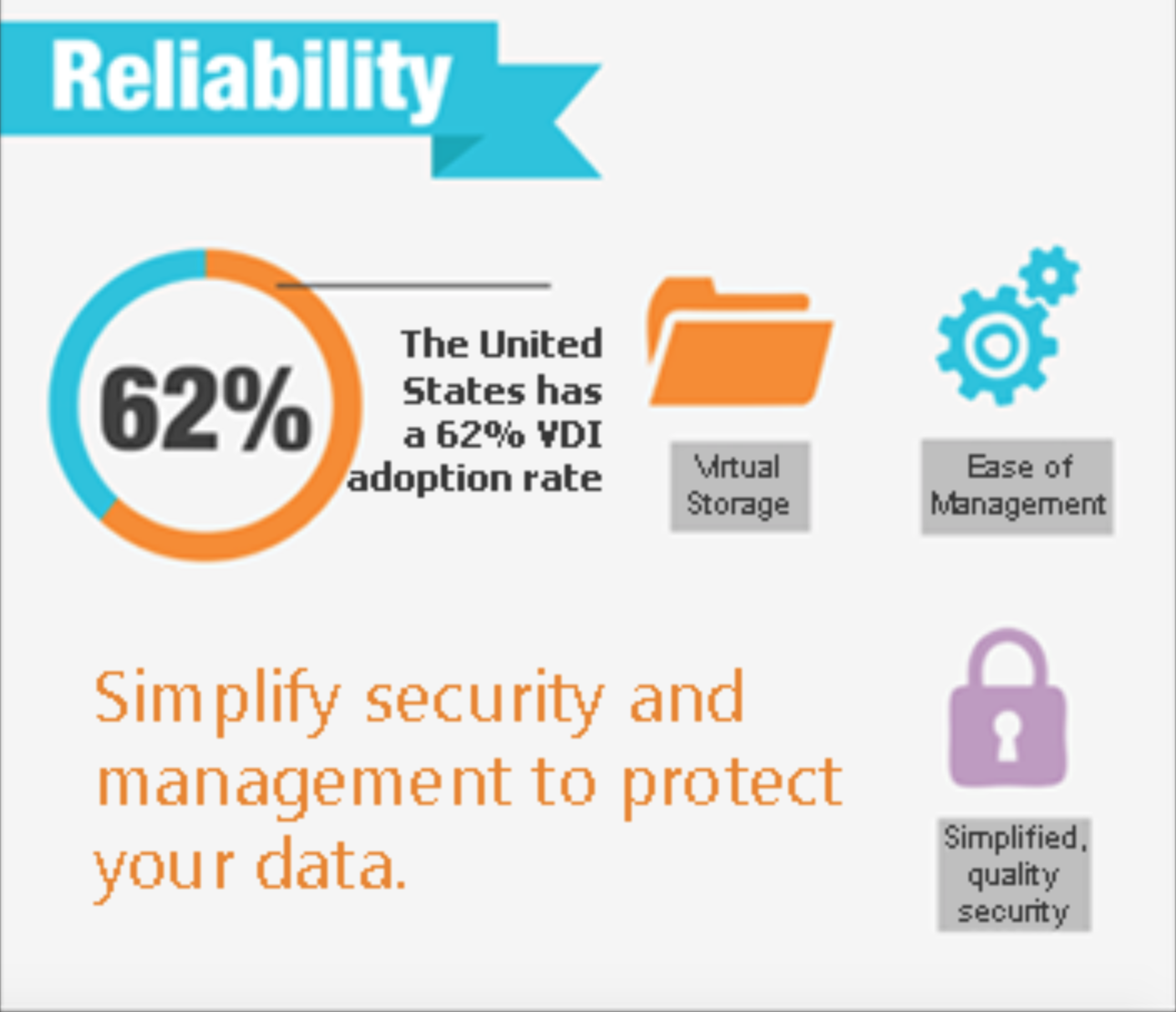
The security of VDI is significantly stronger than conventional desktops. Data is kept in secure data center infrastructure with access so heavily restricted it rivals any security system developed.
“...access so heavily restricted it rivals any security system developed and resembles the most intricate of spy movie high-crime heist protections around.”
— RainDrop Development
Virtual Desktop Infrastructure by the numbers
Succeeding in business is like skeet shooting — you have to shoot where the business is going if you want to hit your targets. By knowing the basic statistics surrounding VDI, your business can make a more informed decision about where it can go and how fast you can get there.
Do I need a VDI environment?
Yes. For your employees, this provides the best options for flexibility and efficiency. For your business, you want assurance that your workstation solution allows optimum scalability, IT efficiency, and sets up without breaking the bank.
But — for small and medium-sized businesses, setting up virtual desktop infrastructure can be expensive and difficult to manage by internal IT or, in many cases, the business owner. This usually leads to a whole new set of IT costs and headaches instead of streamlining and creating efficiency.
RainDrop can help
RainDrop provides a fully managed, Cloud-based VDI. RainDrop empowers IT departments with powerful management tools and end users with self-help guidance and troubleshooting tools to simplify your organization's technical operations. Your employees and consultants can securely work from desktops, laptops, phones, or tablets anywhere around the globe.
How to get started
- Complete the signup form to create your first RainDrop. It will be ready to use in under 5 minutes.
- Securely sign in using the email invitation received.
- Create whatever workstation structure your business requires and invite users to the RainDrop management engine.
With RainDrop, you get a 7-day free trial to get used to the system before you choose it as your preferred cloud workstation solution. Full access to all the powerful tools, absolutely free for the first week. Ready, Set, Rain!